> ## Documentation Index
> Fetch the complete documentation index at: https://syteca.com/docs/llms.txt
> Use this file to discover all available pages before exploring further.
# Export Storage Settings
> Set default storage locations for Forensic Export results and generated reports, particularly for High Availability deployments.
**NOT AVAILABLE IN SAAS.**
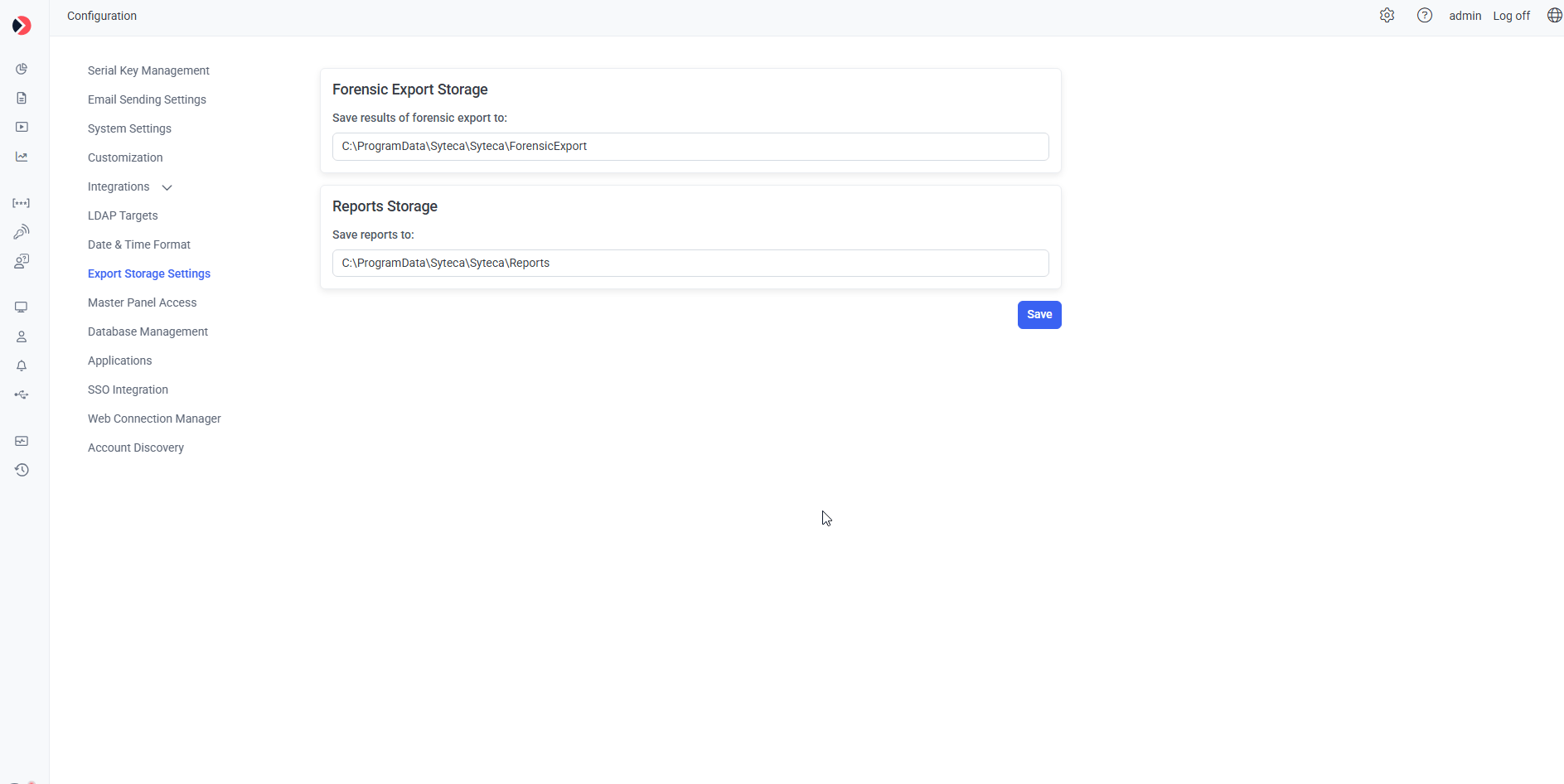
The **Export Storage Settings** tab sets default storage locations for [Forensic Export](/docs/session-monitoring/forensic-export) results and generated reports — useful in [High Availability](/docs/administration/deployment/high-availability) deployments where these need a consistent, shared location across nodes.
Click **Configuration**, then select the **Export Storage Settings** tab.
In **Save Results of Forensic Export To**, enter the storage location.
In **Save Reports To**, enter the storage location.
 ## Related
Multi-node deployments where shared export storage matters most.
What gets saved to the Forensic Export location.
Other Configuration page settings.
## Related
Multi-node deployments where shared export storage matters most.
What gets saved to the Forensic Export location.
Other Configuration page settings.