A user access review (UAR) is a periodic evaluation of user access rights across systems to confirm that current permissions are appropriate, necessary, and aligned with users’ roles. A user access review may also be called access certification, access recertification, or an access review campaign, especially in identity governance and compliance programs.
The purpose of a user access review is simple: verify who can access what, remove unnecessary permissions, and document all access provisioning decisions. You should conduct UARs across accounts of regular employees, administrators, contractors, vendors, service providers, third-party users, and privileged users.
Why user access reviews matter
Without regular user access reviews, organizations can quickly lose control over access permissions. Employees may change roles, vendors may finish projects, temporary accounts may remain active, and administrators may accumulate more rights than they need. This leads to privilege creep, orphaned accounts, and opportunities for access misuse.
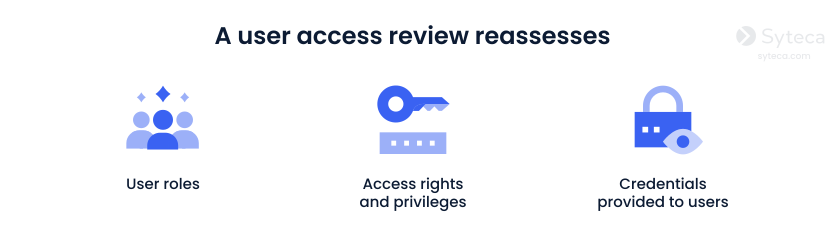
A user access review aims to eliminate these risks by ensuring users have only the minimum access needed to perform their jobs. UAR helps security and compliance teams answer critical questions: Does this account still need access, and are permissions aligned with job responsibilities? If the answer is no, access should be revoked.
Compliance requirements for user access reviews
Organizations commonly conduct user access reviews as evidence for proper access control and audit readiness across major standards, laws, and regulations.
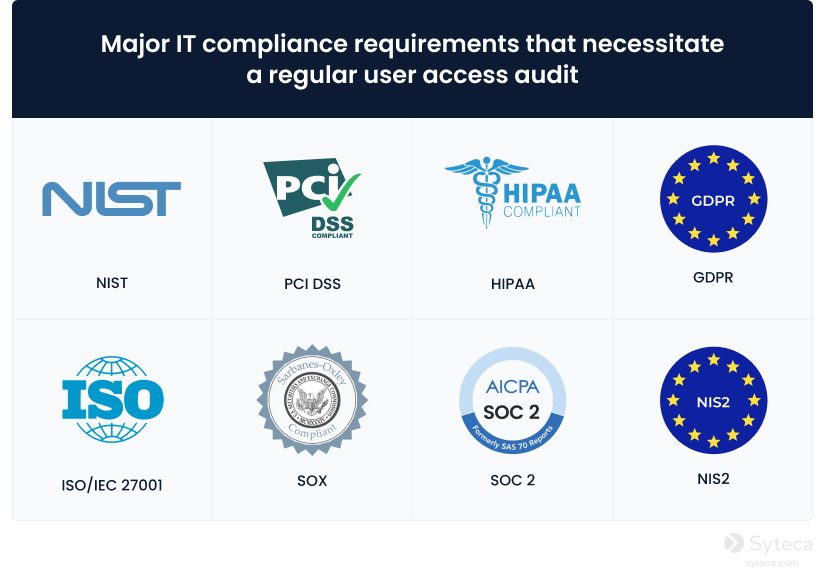
For example, HIPAA requires covered entities to implement procedures that authorize, establish, and review access to electronic protected health information.
Similarly, ISO 27001 and SOC 2 call for regular review of user access rights and documentation of approvals and removals to maintain a clear audit trail.
For more information, refer to our comprehensive UAR guide.
The user access review process: Step by step
A user access review process typically depends on your systems, risk level, and regulatory scope. However, there are common steps most organizations follow:
1. Inventory all users and their access
Start by creating a complete list of users, accounts, roles, groups, and privileges across your critical systems. Document all employees, administrators, contractors, third-party vendors, shared accounts, service accounts, and cloud accounts. For privileged systems, the inventory should also include local admin accounts, domain admins, database admins, and accounts used for remote access.
2. Revoke access of terminated employees and ex-vendors
Before reviewing active users, address clear access risks. Disable accounts that belong to former employees, inactive contractors, and temporary users who no longer need access to your environment.
3. Review each permission
For every existing account, decide whether to certify, revoke, or flag access. Certify access when the permissions remain appropriate, revoke it when the user no longer needs it, and flag it when you need more context from a system owner, manager, or security administrator.
4. Document decisions for audits
Every user access review should leave a clear evidence trail: who reviewed access, when the review happened, what was approved, what was removed, and why. This documentation is often the first thing auditors request, especially when they need proof that an access review is a controlled process in your organization.
5. Repeat UAR regularly
A user access review process should run on a defined schedule. High-risk accounts should be reviewed more often than regular ones. Also, conduct UARs when there are transitions or changes within your organization, such as employee onboarding and offboarding, promotions, department restructuring, security incidents, or changes to your policies.
User access review best practices
To make user access reviews effective, organizations should treat them as a structured access governance control.
Document a user access review policy approved by stakeholders. The policy should define scope, review frequency, responsible owners, evidence requirements, and remediation deadlines.
Use role-based access control (RBAC) where possible. Reviewing access by business role is faster and less error-prone than checking thousands of individual permissions. RBAC also makes it easier to identify users whose permissions no longer align with their job function.
Review privileged user rights quarterly and regular users annually (unless a regulation or internal risk assessment requires a shorter cadence). Organizations subject to PCI DSS requirements should review the access rights of all accounts at least every six months.
Automate evidence collection wherever possible. Automated inventories, access logs, approval records, and session evidence make the review process more reliable.
Finally, use a reliable cybersecurity software. Syteca can help you optimize UAR with privileged account discovery, granular access controls for enforcing least privilege, credential management, and session recording backed by user activity logs.
As a modern PAM platform with native ITDR, Syteca not only allows you to manage privileges but also provides 360-degree visibility into what happens after access is granted.
Want to try Syteca? Request access
to the online demo!
See why clients from 70+ countries already use Syteca.
FAQ
The frequency of user access reviews depends on an organization’s risk profile, industry regulations, and internal security policies. However, according to generally accepted security practices, privileged access should be reviewed quarterly because admin, vendor, and service accounts pose a higher risk. Regular user access should be reviewed at least annually, while organizations in regulated industries or high-risk environments may need to conduct reviews more frequently.
User access reviews are usually shared between IT, security, compliance, system owners, and business managers. IT and security teams prepare general data about permissions within your environment; system owners validate whether permissions are technically required; managers confirm whether access matches each user’s current role. Compliance teams typically verify that the UAR process is properly documented and audit-ready.