

1
Open Export Storage Settings
Click Configuration, then select the Export Storage Settings tab.
2
Set the Forensic Export location
In Save Results of Forensic Export To, enter the storage location.
3
Set the Reports location
In Save Reports To, enter the storage location.
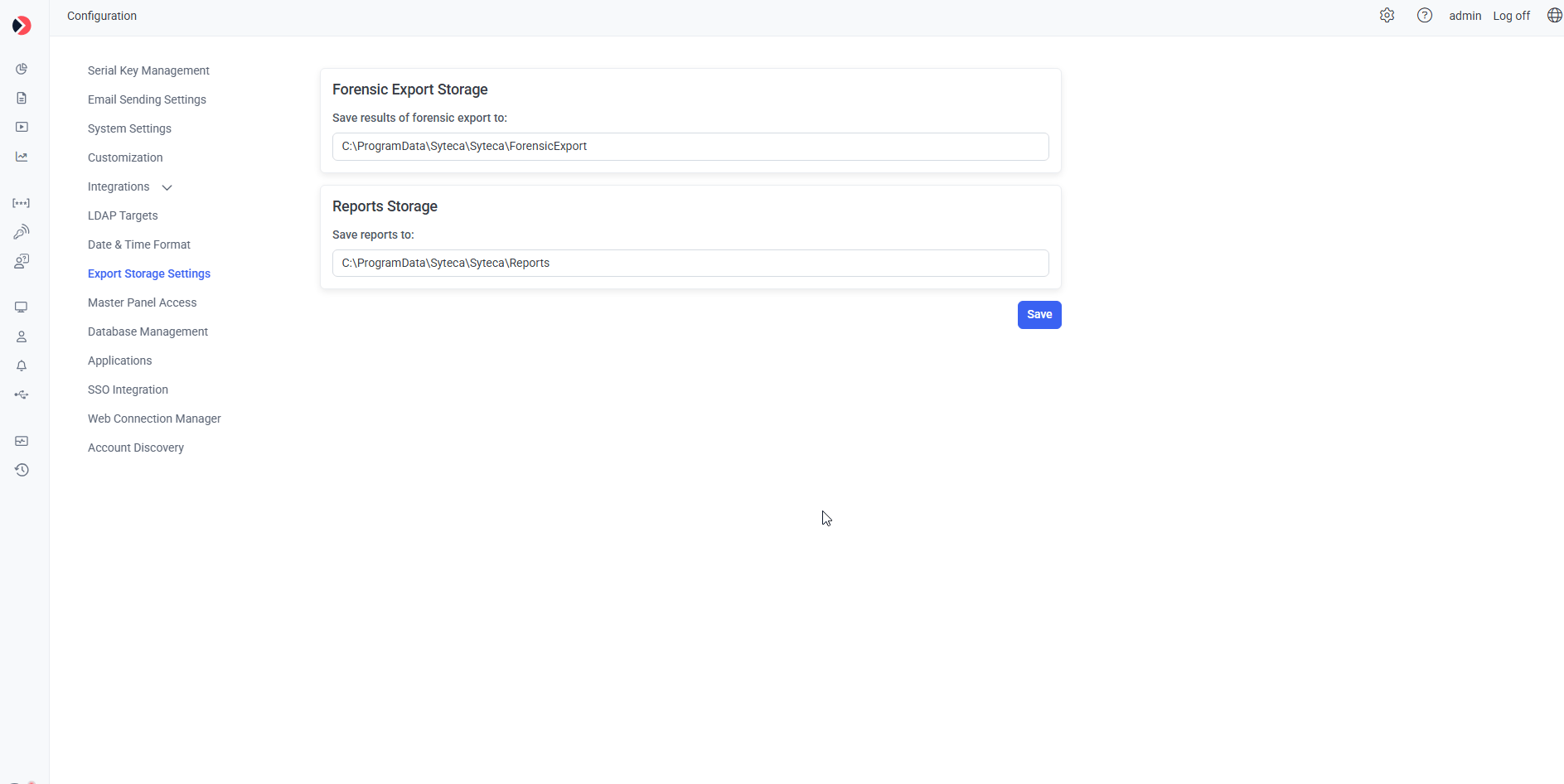
The Export Storage Settings tab.
Related
High availability
Multi-node deployments where shared export storage matters most.
Forensic export
What gets saved to the Forensic Export location.
System settings
Other Configuration page settings.